Skip to content




Have you ever felt the frustration of manually creating sales quotes?
Efficient quoting in B2B sales is crucial for success. B2B sales quoting software is designed to eliminate these inefficiencies, making the process faster, more accurate, and highly customizable. By leveraging the right software, businesses can generate professional quotes in minutes, reducing manual errors and enhancing the customer experience.
In this article, we’ll explore what sales quoting software is, its key features, benefits, top tools, and how it helps teams streamline workflow and achieve accurate, professional quotes.
What is B2B quoting software, and how does it differ from quote-to-cash solutions?
B2B quoting software is a digital tool designed to automate and streamline the creation of sales proposals and quotes. These tools are built for accuracy, speed, and adaptability, helping companies reduce errors and improve efficiency.
For example, a wholesaler in the fashion and apparel industry can use CPQ software to quickly generate tailored quotes for boutique retailers and large department stores. The tool can take into account tiered pricing, dynamic pricing, volume discounts, and customer-specific requirements. This capability is especially valuable when dealing with seasonal collections and fashion trends that require rapid changes to product lines and pricing strategies.
As a result, it speeds up the sales cycle and enhances the customer experience by providing prompt and precise information, ensuring that buyers can make informed decisions quickly and efficiently.
Industries such as manufacturing, wholesale distribution, and technology benefit the most from B2B sales quoting software, as it ensures every quote is accurate, professional, and ready for customer approval. These tools are essential for businesses looking to maintain a competitive edge in markets where fast response times and accuracy are key to winning contracts.
However, Quote-to-Cash (QTC) solutions take this automation even further. While quoting software focuses on the proposal stage, QTC platforms cover the entire revenue process from quote creation to contract management, billing, payment, and revenue recognition. Larger enterprises often use QTC systems because they connect quoting with finance, ERP, and CRM tools, ensuring complete visibility and compliance.
Understanding the difference matters because it defines how much automation your team really needs. If your priority is to speed up and simplify quote creation, a dedicated B2B sales quoting software may be the right fit. But if you need end-to-end automation across quoting, contracts, and payments, a full quote-to-cash solution offers deeper control and scalability.
Key features of B2B sales quoting software
Having established what B2B sales quoting software is, it’s essential to delve into its key features.
1. Automated quote generation
Sales quoting software automates quote creation, ensuring accurate quotes every time while saving time. This reduces manual errors and allows sales teams to focus on closing deals rather than calculating prices or formatting documents.
Read more: How B2B Sales Automation Improves Efficiency
2. Integration with CRM and ERP systems
Effective Modern quoting tools integrate seamlessly with Microsoft Dynamics, Salesforce, and other existing Customer Relationship Management (CRM) and Enterprise Resource Planning (ERP) systems. This ensures real-time version control, data synchronization, and accurate customer information across platforms.
3. Customizable templates
To maintain brand consistency and meet diverse client requirements, quoting software utilizes customizable templates to help create professional quotes that align with the brand identity. CPQ solutions allow businesses to tailor templates for different clients, regions, and product lines to match their different clients’ branding and specific needs.
4. Real-time collaboration tools
Collaboration tools within the software enable teams to work together in real time, regardless of their physical location. These tools help streamline the approval workflows, enabling teams to edit, approve, and finalize quotes in real-time. Managers can review quotes without back-and-forth emails, reducing delays and errors.
5. Data analytics and reporting
Some platforms offer dynamic pricing, tiered pricing, pricing rules, and reporting dashboards to track quote performance. Insights from analytics help optimize pricing strategies, understand customer behavior, improve quoting efficiency, and refine sales strategies.
Top B2B sales quoting software
Sales teams often spend more time juggling spreadsheets, approvals, and emails than actually selling. The right sales quoting software can transform this workflow, helping reps send accurate quotes faster, track engagement, and close deals efficiently.
Some software excels at complex pricing, others at approvals and automation. Every tool below has a clear purpose, a smooth workflow, and delivers measurable results.
1. WizOrder by WizCommerce
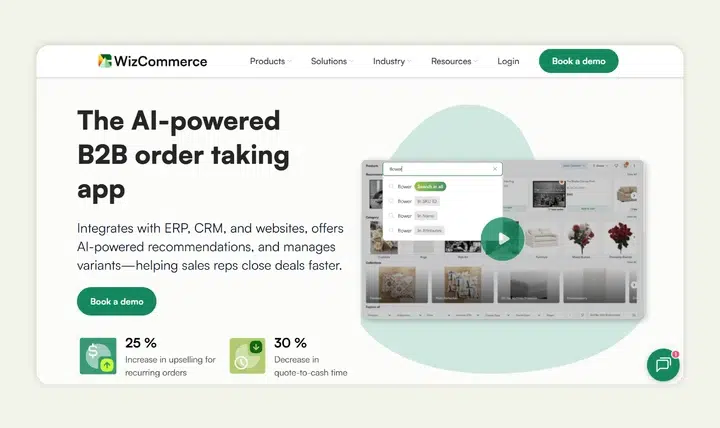
When your business handles complex pricing, multiple products, and varied buyers, you need a quoting tool built for those realities. WizOrder delivers by combining quoting, ordering, and e‑commerce into one unified platform for wholesalers, distributors, and manufacturers. At the same time, Ella is the AI order and quote specialist that reads incoming POs and RFQs from any channel and pushes clean, validated orders straight into your ERP.
How the quoting process works in WizCommerce
- A rep opens the WizCommerce app (mobile or desktop) and selects the buyer profile along with any special pricing tiers or discounts.
- Product data, SKUs, and tiered pricing rules are pulled automatically, and the rep creates a branded quote using a customizable template that reflects the customer’s unique terms.
- The quote is routed through built‑in approval workflows (for discounts or special terms) and then sent to the buyer as an interactive link or PDF.
- Once approved by the buyer, the quote is converted into an order with one click, and inventory and billing sync happen behind the scenes.
- Dashboards show real‑time visibility into quote status, unfinished approvals, buyer engagement, and conversion rates.
2. PandaDoc
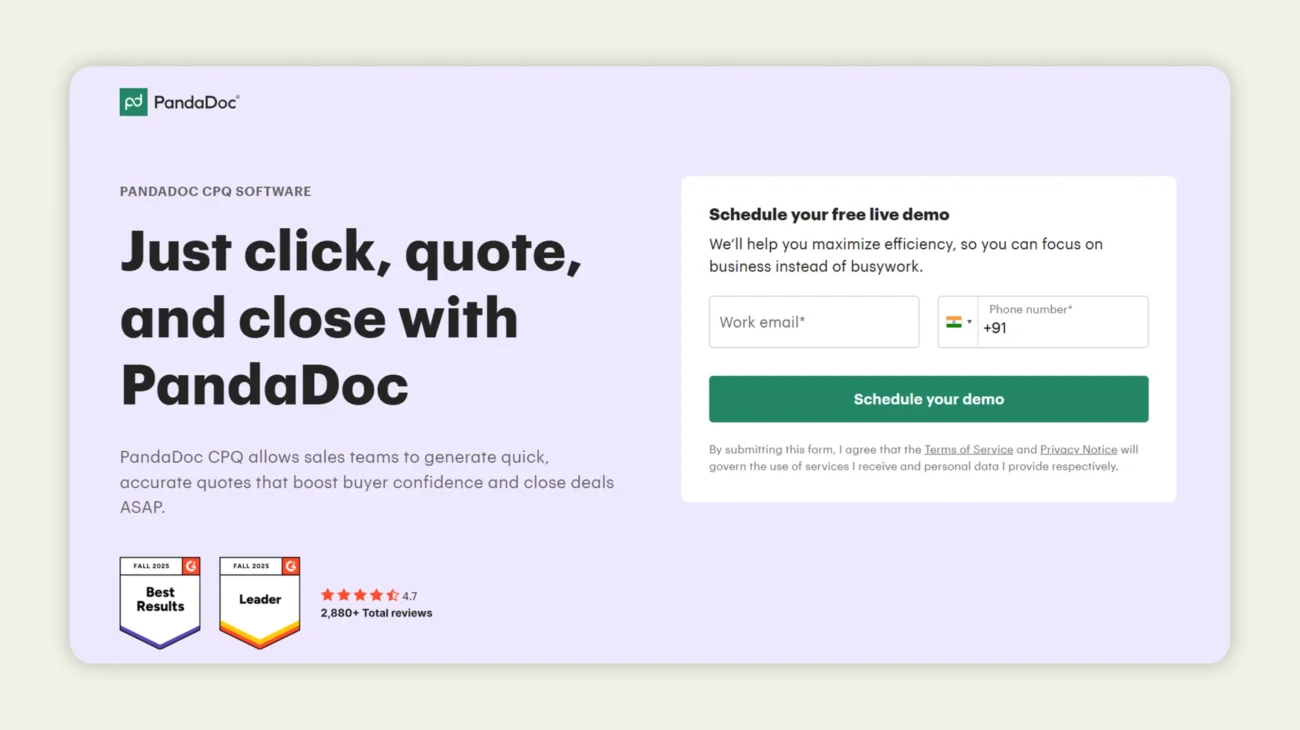
PandaDoc helps sales teams streamline quoting while keeping every document on-brand, accurate, and visually engaging. It’s built for businesses of all sizes, especially SMBs and SaaS teams that need quick, polished quotes without juggling multiple systems. What sets PandaDoc apart is its integration with CRMs, dynamic pricing capabilities, approval workflows, and version control, which together reduce manual errors and speed up the sales cycle. For example, a team creating subscription quotes can pull product and pricing data directly from their CRM, apply discounts or special terms, route it for approvals, and deliver a branded quote with e-signature and payment options in minutes, cutting back-and-forth and keeping deals moving.
How the quoting process looks in PandaDoc
- A salesperson opens a new quote, selects a template that aligns with the brand, and pulls in customer and product data via CRM integration.
- They adjust quantities, apply pricing rules or tiered pricing if needed, and embed interactive elements like multiple pricing options or add-ons.
- If the discount or pricing deviation meets certain thresholds, PandaDoc triggers the built-in approval workflows, routing the quote to the appropriate manager.
- Once approved, the quote is sent to the buyer as a branded link. The buyer can view, sign, and optionally pay, all tracked in real time.
- The system logs version control, quote status (opened, signed, converted), and analytics on how the client engaged with the quote document.
Pricing: PandaDoc offers tiered plans to match different business needs. Their essentials plan covers basic quoting and e-signature features, while the business plan adds CRM integrations, approval workflows, and custom branding.
3. Qwilr
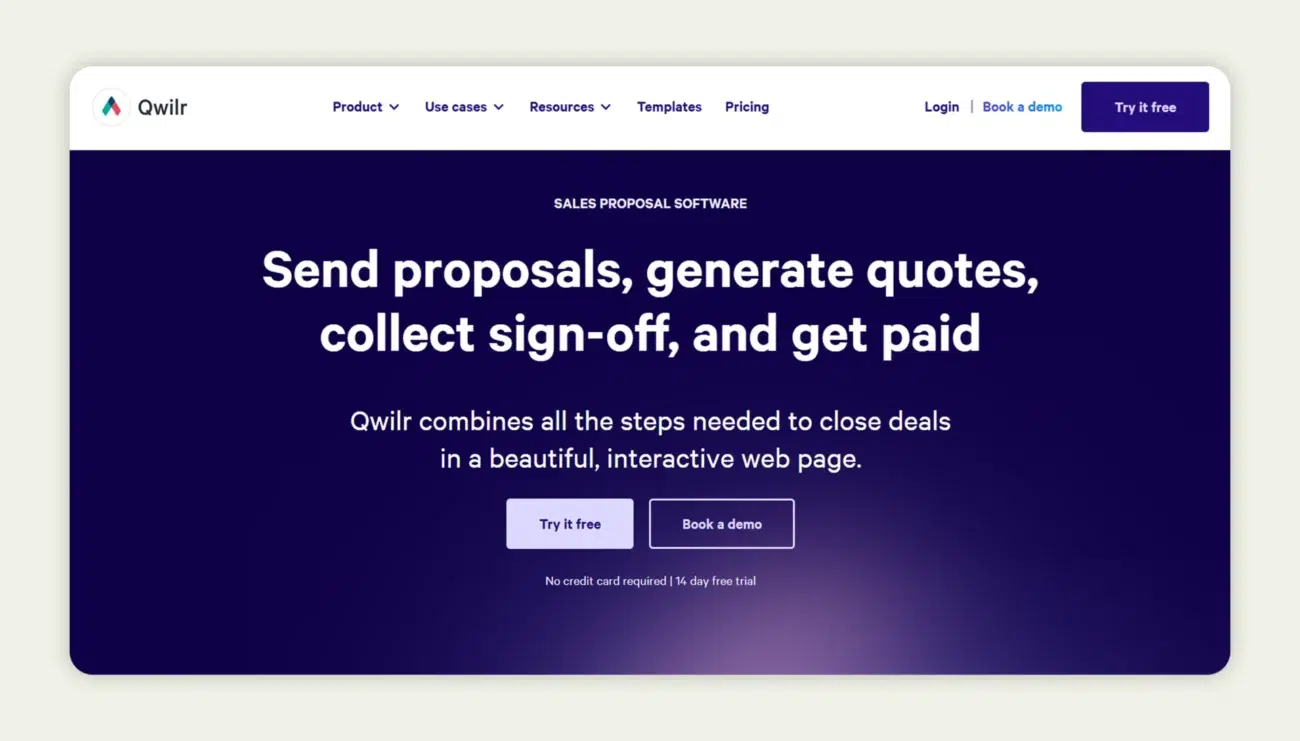
Qwilr transforms traditional quoting into modern, interactive web pages, designed to impress buyers and drive faster decisions. Rather than sending static PDFs, you deliver dynamic, on‑brand quotes embedded with video, images, and live pricing. This tool is especially effective when you want your quotes to stand out and simplify client engagement.
How the quoting process works in Qwilr
- A sales rep selects a deal and launches Qwilr’s drag‑and‑drop editor to build the proposal.
- They add product descriptions, line items, pricing tiers, and branded visuals, tailoring content for the specific prospect.
- The rep sets approval workflows or discount thresholds if needed, enabling internal control before the quote goes live.
- The finalized quote is sent as a live web‑link; the client views it, interacts with media and pricing, and signs electronically.
- Qwilr tracks engagement, who viewed the quote, how long they spent on each section, and syncs that data back into your CRM for follow‑ups.
Pricing: Qwilr offers multiple subscription levels depending on business size and features required. Entry‑tier plans cover interactive proposals and e‑signature capability, while premium versions add advanced automation, integrations, and team collaboration tools.
4. Quotient
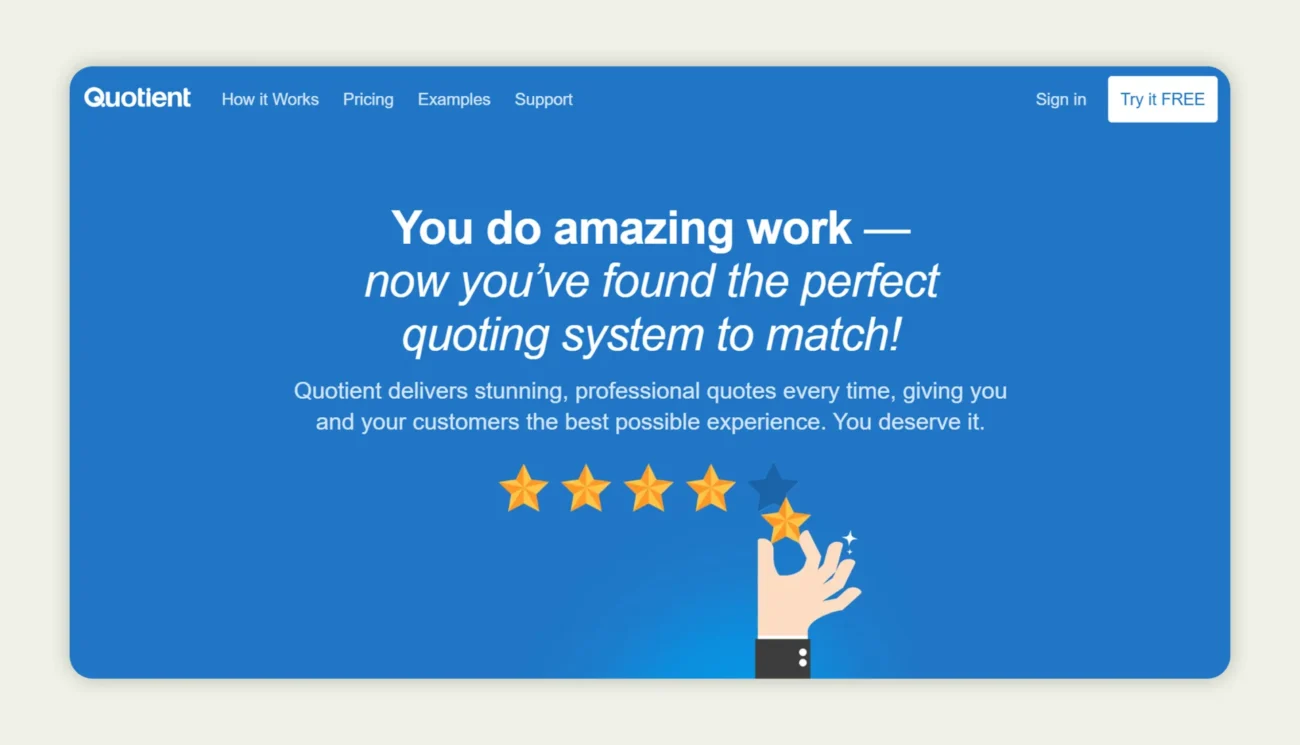
Quotient stands out for its ease of use and intuitive interface, especially for businesses that want to deliver professional quotes without complicated workflows. It’s built for teams that value clean presentation, quick turnaround, and accurate quoting without the bulk of full CPQ systems. With customizable templates, built‑in follow‑ups, and seamless integrations with accounting platforms like QuickBooks Online and Xero, it helps reduce manual errors and ensures your quotes feel polished and consistent.
How the quoting process works in Quotient
- Open a new quote and select a template that aligns with your brand—add images, line items, optional or multiple‑choice items for upsells.
- Add product or service items from a library; enable optional items or multiple‑choice selections so customers can choose, but your pricing logic stays intact.
- Set expiry, client terms, and custom branding; send the quote as a live link; the client can view, comment, select options, and accept online.
- Upon acceptance, the quote can trigger automatic invoice creation in QuickBooks or Xero, and your dashboard updates with accepted‑value pipeline insights.
Pricing: Quotient offers different pricing options starting with plans for solo users around $28/month, and team plans (for a small group) from about $48/month. For larger teams or added features like extra seats, integrations, or complex workflows, pricing scales accordingly.
5. Conga CPQ
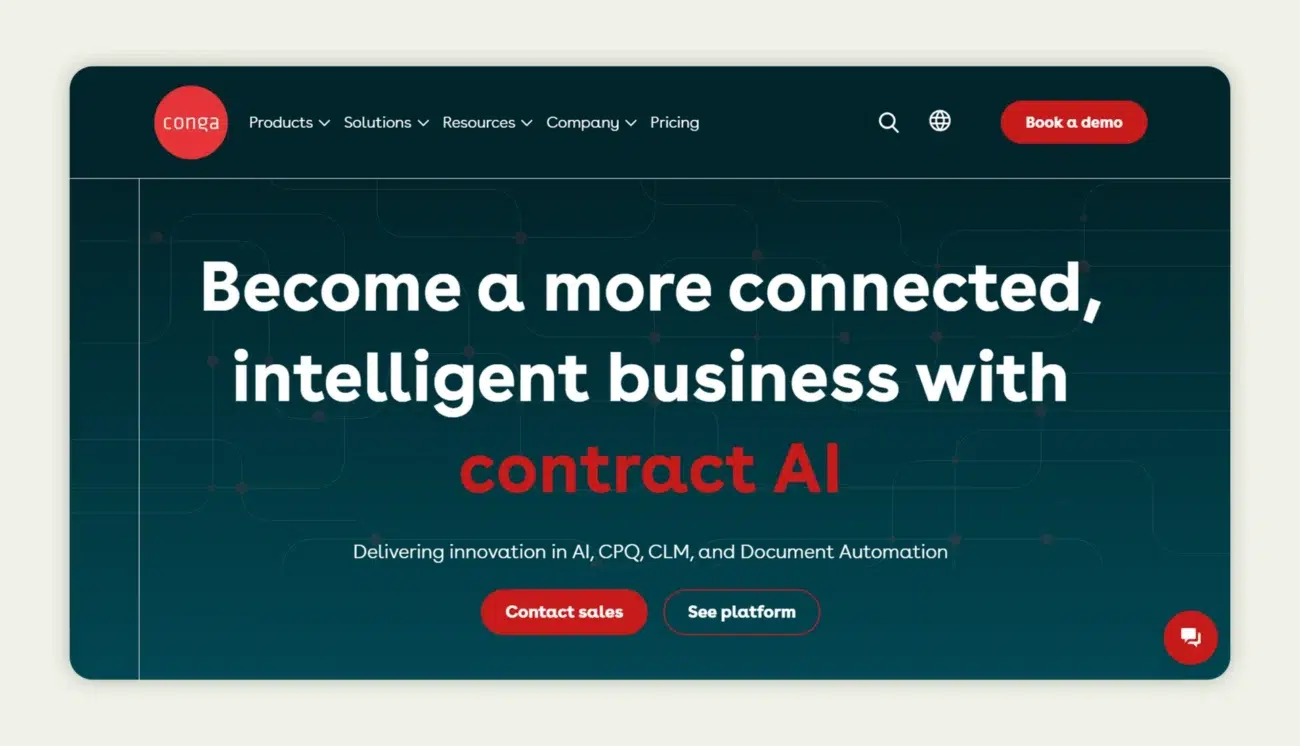
Conga CPQ is built for businesses with intricate product catalogs and pricing rules that demand precision. It shines in automating quote creation, ensuring pricing accuracy, and reducing manual errors while keeping approvals and workflows under control. Teams dealing with bundles, subscriptions, or service add-ons benefit from its rule-based configuration, which eliminates guesswork and accelerates the quote-to-cash process.
How the quoting process works in Conga CPQ
- Start by opening an opportunity in your CRM and launching Conga CPQ to create a quote.
- Use the configuration engine to select products, services, and bundle options, applying dynamic pricing rules automatically.
- Customize the quote with terms, conditions, and any additional client-specific details.
- Apply approval workflows as needed, routing discounts or special pricing to the right managers.
- Send the quote for e-signature directly from the platform, tracking the client’s engagement in real time.
- Once accepted, the system can sync the information with contracts, subscriptions, or invoicing for seamless handoff.
Pricing: Conga CPQ pricing is tailored to the complexity and scale of your business. Costs vary depending on features such as advanced product configurations, contract management, and the number of users.
6. Zuora Sales Quoting Software
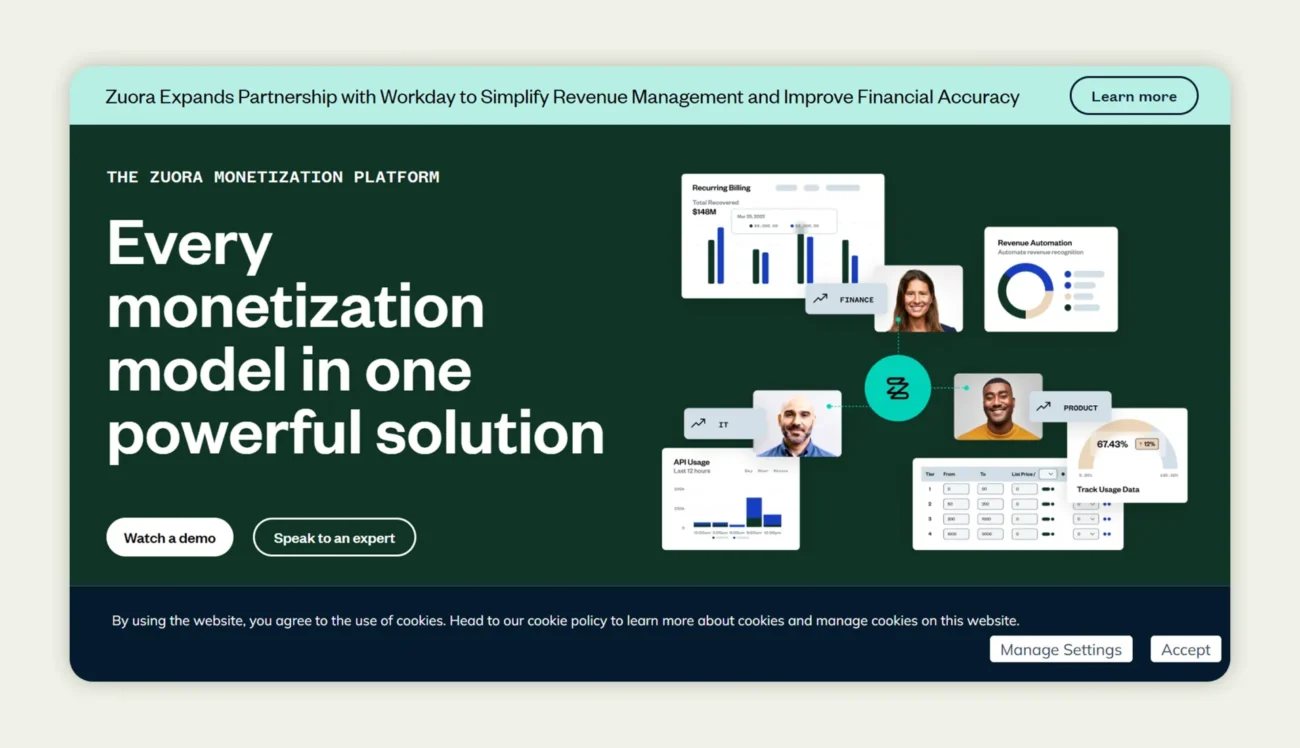
Zuora is designed for companies with subscription-based or usage-based business models. It simplifies quoting by integrating product catalogs, pricing strategies, and business rules, allowing teams to generate accurate quotes quickly while keeping every step of the revenue lifecycle aligned. It’s especially helpful for SaaS, media, and IoT businesses that need to manage recurring billing, revenue recognition, and customer subscriptions seamlessly.
How the quoting process works in Zuora
- Open the opportunity in Zuora and select “Create Quote.”
- Pull products from your catalog and configure pricing according to customer-specific rules.
- Apply discounts, usage-based adjustments, or tiered pricing as needed.
- Add contract terms and custom details relevant to the client.
- Send the quote for e-signature directly from the platform.
- Track engagement and approval status in real time, ensuring accurate revenue management.
Pricing: Zuora offers flexible pricing based on your company’s size and complexity. Costs typically scale with the number of users and the level of automation required for subscription and billing management. A free trial is available for testing the platform, and enterprise-level pricing is customized to match the business’s specific needs and industry.
7. Scoro
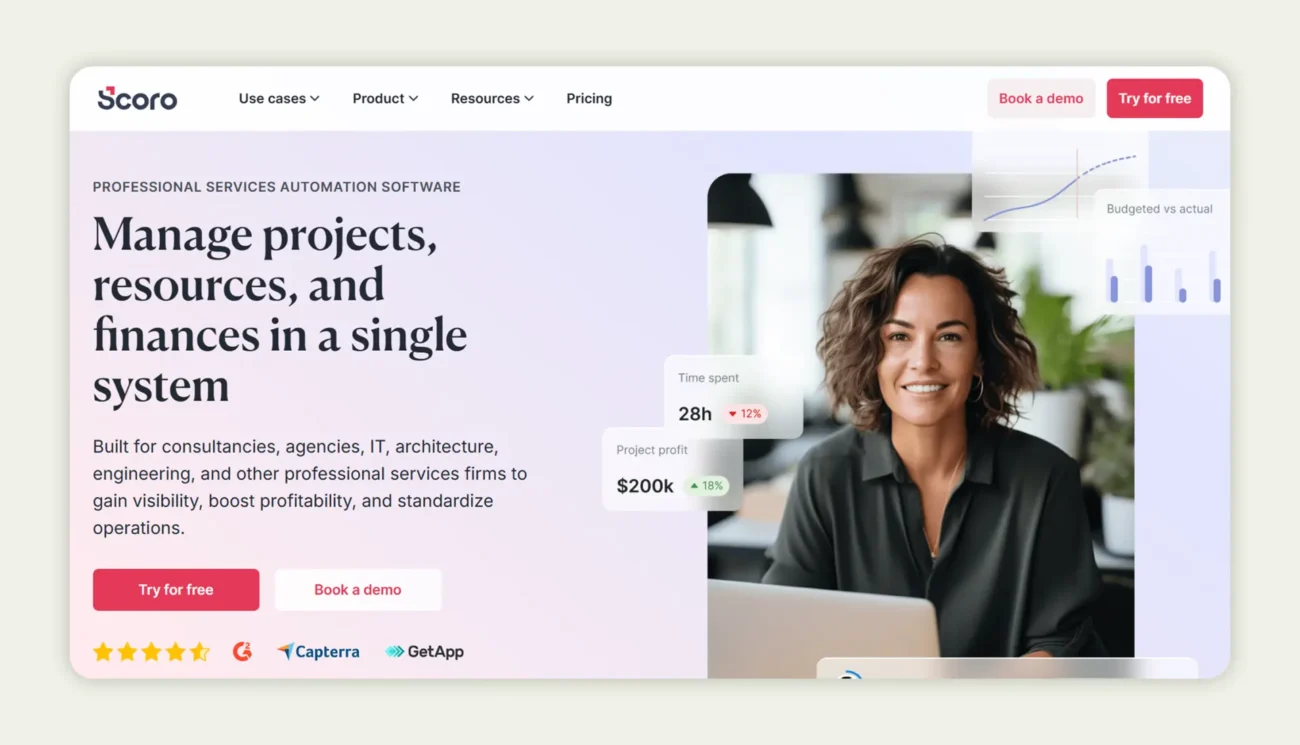
Scoro is a complete business management platform. It helps professional services and project-based teams streamline quoting, project management, and financial operations. By integrating sales, delivery, and finance in one platform, Scoro ensures teams can create accurate quotes, track project profitability, and manage resources efficiently. This makes it ideal for agencies, consultancies, and service-based businesses that need precision and control.
How the quoting process works in Scoro
- Open the project or opportunity and select “Create Quote.”
- Pull products, services, and pricing data directly from your catalog.
- Apply pricing rules, estimate effort, and adjust margins as necessary.
- Customize the quote with project deliverables, terms, and conditions.
- Submit for internal approval if needed, then add e-signature fields.
- Send to the client and track engagement and profitability in real time.
Pricing: Scoro offers tiered pricing starting at $19.90 per user per month, with premium plans providing advanced features such as resource planning, financial forecasting, and custom integrations. A 14-day free trial is available, while enterprise-level pricing can be tailored to meet specific business needs.
8. Proposify
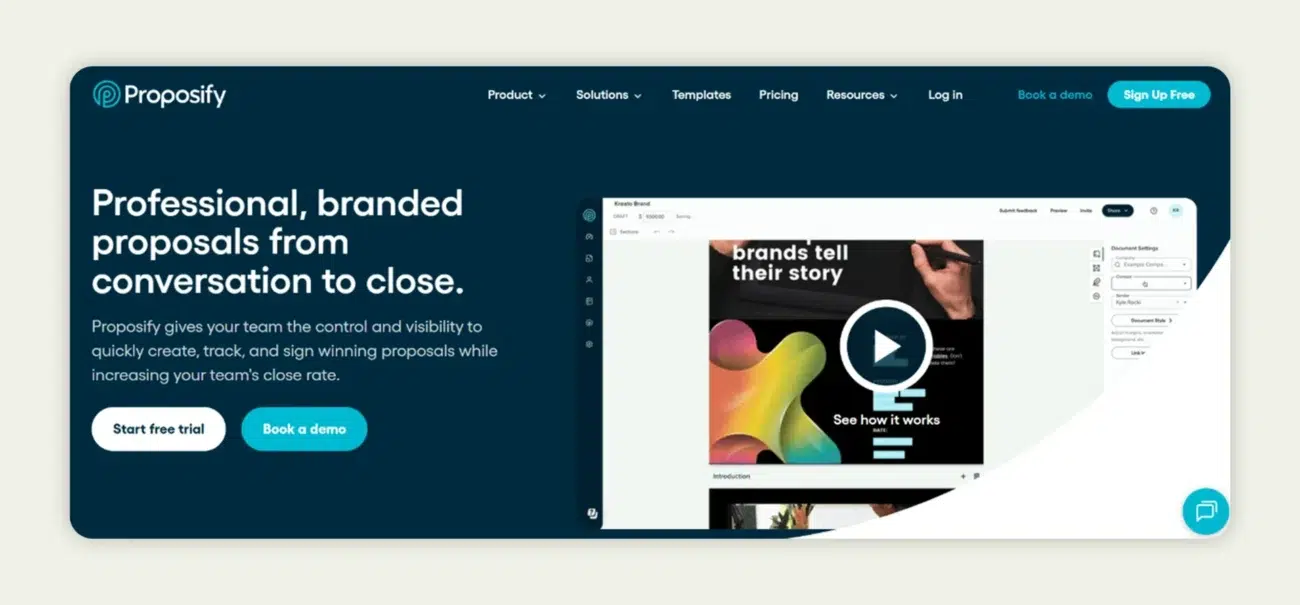
Proposify helps sales teams create, send, and manage professional quotes and proposals quickly. Its drag-and-drop editor and customizable templates allow teams to deliver branded, on-point documents without wasting time. Proposify connects directly to your CRM, pulling deal and product data in real time, which minimizes errors and reduces manual work. This makes it a strong fit for SMBs, agencies, and consulting teams that need fast, accurate, and visually appealing proposals.
How the quoting process works in Proposify
- Log in and select “Create Proposal” or “Create Quote.”
- Choose a pre-built template or start from scratch.
- Drag and drop sections, images, and pricing tables as needed.
- Apply discounts, configure pricing, and finalize terms.
- Add e-signature fields and ensure the quote is ready for approval.
- Send the quote via email or link, allowing the client to review, sign, and approve.
- Track engagement in real time to follow up at the optimal moment.
Pricing: Proposify offers flexible pricing plans starting with affordable options for small teams. Paid plans scale based on features such as advanced reporting, team collaboration tools, and CRM integrations. A 14-day free trial is available, allowing teams to test the platform and see how it fits into their workflow.
9. Quoter sales quoting software
Quoter is designed to simplify and speed up the sales quoting process for small to medium businesses. It allows sales teams to create professional quotes, proposals, and contracts quickly, while automating repetitive tasks and integrating with popular CRMs. Its focus on speed, accuracy, and brand consistency makes it ideal for companies that need to generate multiple quotes daily without sacrificing professionalism.
How the quoting process works in Quoter
- Log in to Quoter and select “New Quote.”
- Pull in customer and deal information from your CRM.
- Choose a template or create a custom layout.
- Add products or services, apply pricing rules, and adjust discounts if needed.
- Include terms, conditions, and e-signature fields.
- Send the quote to the client via email or a secure link.
- Track engagement, see when the client opens or signs the quote, and manage follow-ups efficiently.
Pricing: Quoter offers tiered subscription plans depending on team size and required features. The plans scale with advanced functionality. A free trial or demo is available so teams can explore the platform before committing.
10. DealHub sales quoting software
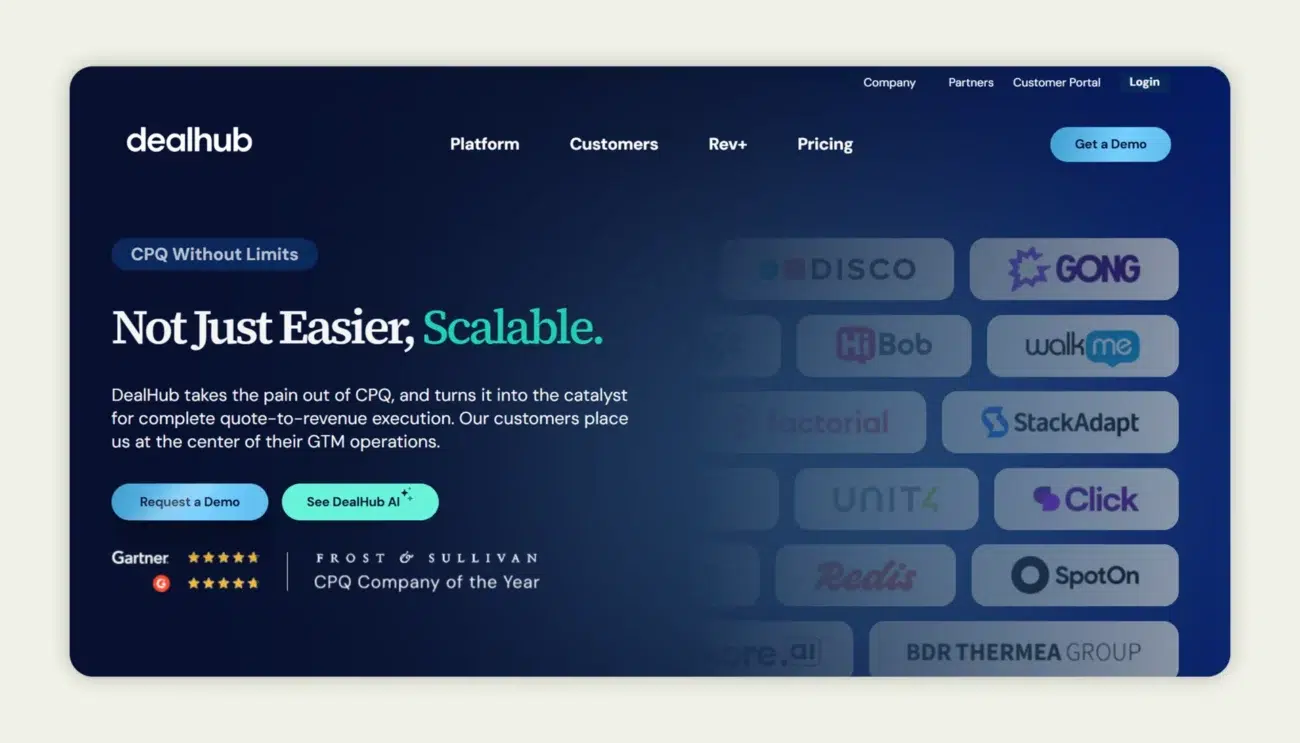
DealHub helps sales teams streamline quoting while maintaining accuracy, even for complex pricing scenarios. By unifying configuration, pricing approvals, and contract workflows in one platform, it removes the need to juggle multiple tools. Teams can automate approvals, track deals in real-time, and deliver polished, branded quotes, all without slowing down the sales cycle.
It’s particularly suited for enterprise sales, B2B companies with intricate pricing structures, and SaaS businesses. Beyond quoting, DealHub integrates contract management (CLM) and subscription billing, allowing teams to manage the full revenue process efficiently. For example, a SaaS team can generate a tiered subscription quote, trigger automated approvals, and deliver an interactive quote page with e-signature and payment options, reducing back-and-forth and speeding up deal closure.
How the quoting process works in DealHub
- Access the DealHub dashboard and select the active deal.
- Click “Create Quote” to automatically pull in CRM and product data.
- Customize the quote layout, including line items, discounts, and bundles.
- Set up approval rules to automate internal reviews.
- Add e-signatures and configure payment options.
- Preview and send the branded quote to the client.
- Track status and engagement in real-time from the dashboard.
Pricing: DealHub offers custom pricing tailored to the complexity of your sales operations and required features. Organizations can request a demo to explore functionality before finalizing their plan.
Quick comparison of top sales quoting software
To help you quickly scan the options and see which tool fits your team best, here’s a snapshot of the leading sales quoting software. This table summarizes each platform’s core strengths, ideal use cases, pricing, and whether a free trial is available. It’s a handy reference if you want to narrow down your choices without digging through each full description.
| Software | Core features | Best for | Starting price | Free trial |
| WizOrder | Automated quoting, CRM integration, and interactive quotes | SMBs, eCommerce, growing teams | Custom pricing | Yes |
| PandaDoc | Branded templates, approval workflows, and CRM integration | SMBs, SaaS, Enterprises | Subscription-based, flexible plans | Yes |
| Qwilr | Interactive proposals, drag-and-drop editor, e-signatures | Sales teams, agencies | $75/month | Yes |
| Quotient | Simple quote creation, client feedback, templates | SMEs, service providers | Flexible pricing | Yes |
| Conga CPS | Rule-based configuration, AI-assisted quoting, contract management | Enterprises, complex sales | Custom pricing | Yes |
| Zuora Sales | Subscription management, recurring billing, revenue automation | SaaS, subscription businesses | Custom pricing | Yes |
| Scoro | Quoting, project management, and resource planning | Agencies, professional services | $19.90/user/month | Yes |
| Proposify | Interactive proposals, CRM integration, and real-time tracking | SMBs, marketing, agencies | Tiered plans | Yes |
| Quoter | Template-based quoting, CRM integration, e-signatures | Small to mid-size teams | Subscription-based | Yes |
| DealHub | Dynamic configuration, approval workflows, and contract management | Enterprises, complex B2B sales | Custom pricing | Yes |
How to choose the best B2B sales quoting software?
Choosing the right B2B sales quoting software goes beyond picking the most popular tool. The ideal platform should match your business’s workflow, simplify complex quoting, and scale as your company grows. Making the right choice ensures accurate quotes, faster sales cycles, and a smoother experience for your team and customers.
Not all tools fit every business, so here’s a checklist to guide your decision-making process
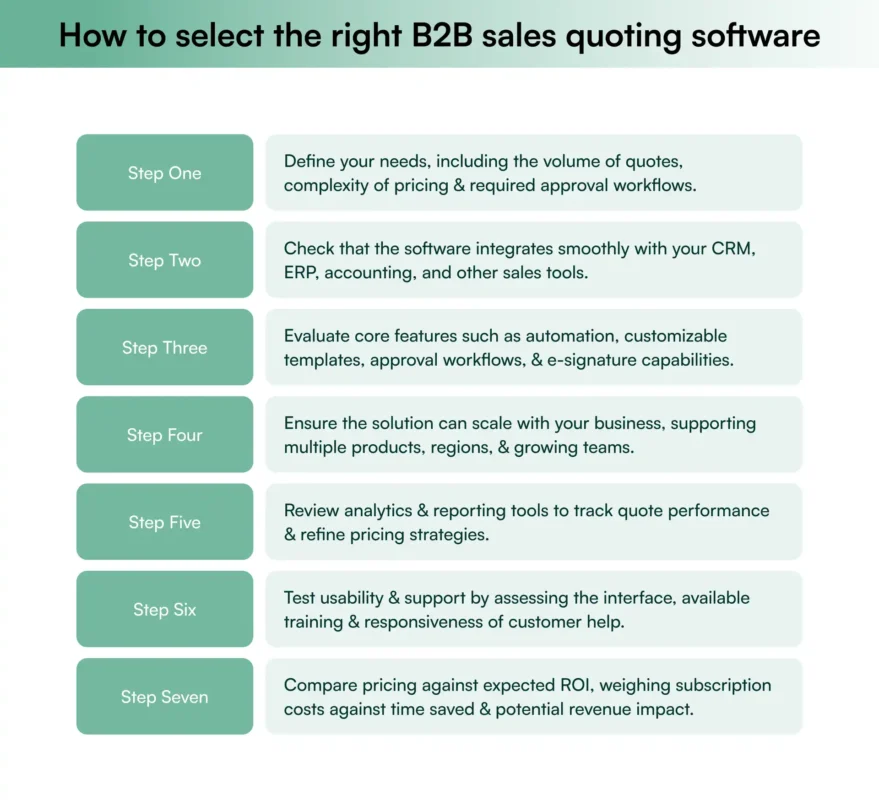
Choosing the right quoting software is only half the story; how you use it makes all the difference. Even the most advanced tools can’t save a team from simple quoting mistakes that lead to missed revenue or broken trust.
Benefits of using sales quoting software
Investing in the right sales quoting software goes beyond simplifying quote creation; it transforms how your sales team operates. The best sales quoting software not only speeds up the process but also improves accuracy, strengthens brand consistency, and enhances the customer experience. By automating repetitive tasks, reducing errors, and providing real-time insights, sales quoting software empowers teams to close deals faster and smarter. Let’s explore the key advantages it brings to modern B2B sales operations. Let’s have a look at them:
1. Increased efficiency and productivity
Sales quoting software automates the generation of quotes, drastically reducing the time it takes to create and send proposals to potential clients.
This automation allows sales teams to handle a higher volume of quotes faster, freeing up time to focus on other critical sales activities.
2. Enhanced accuracy and reduced errors
By standardizing the quote creation process through predefined templates and configurations, these tools minimize the risk of human error.
Automatic calculations and data pulling from integrated systems (like CRM and ERP) ensure that each quote is precise and consistent with the latest product and pricing information.
3. Improved customer experience
Quick and professional responses to quote requests significantly enhance customer satisfaction. Sales quoting software enables sales teams to provide potential clients with prompt, detailed, and visually appealing proposals, tailored to their specific needs and preferences.
4. Streamlined approval processes
Many sales quoting solutions include workflow features that automate the approval process.
These systems can route quotes to the appropriate managers for review and approval, ensuring compliance with pricing guidelines and discount policies, which speeds up the decision-making process and reduces bottlenecks.
5. Better tracking and management of quotes
Sales quoting software often comes with a dashboard and reporting capabilities that provide visibility into the status of each quote.
Sales teams can easily track progress, follow up on pending proposals, and analyze trends over time to continuously improve their quoting strategies. This level of management helps in maintaining control over the sales pipeline and forecasting future sales more accurately.
Implementation and integration
Understanding the benefits sets the stage for practical application. Implementing and integrating the software into existing systems involves several key steps.
Here, we discuss the steps to implementation, ensuring smooth integration with existing CRM and ERP systems, and the importance of comprehensive training and support.
Steps to implement the software
The implementation process for sales quoting software typically involves several key steps:
- Needs assessment: Identifying specific business needs and how the software can meet them.
- Software configuration: Tailoring the software to align with the company’s sales processes, product catalog, and pricing strategies.
- Data migration: Moving existing data into the new system to ensure continuity.
- Testing: Conducting extensive tests to ensure the system functions correctly across all intended use cases.
Integration with existing systems
Sales quoting software should integrate smoothly with the company’s existing CRM, ERP, and other operational systems. This integration allows for:
- Data synchronization: Automatic updates ensure that customer details, product information, and pricing are always current across all systems.
- Streamlined operations: Enhanced workflow efficiency by minimizing the need for multiple entries of the same data.
Training and support
Comprehensive training and ongoing support are crucial for the successful adoption of sales quoting software:
- Training programs: These may include live sessions, webinars, online tutorials, and detailed documentation.
- Ongoing support: Support options often encompass help desks, user forums, FAQs, and regular updates from the software provider to help users navigate any challenges and ensure they are getting the most out of the software.
How WizOrder simplifies B2B sales quoting?
Among the leading B2B sales quoting platforms available today, WizCommerce stands out for one reason: it was built with wholesalers and distributors in mind. It’s quotation maker, part of WizOrder, streamlines the entire quoting journey, from creating quotes and customizing pricing to converting them into confirmed orders, all within the same interface.
Unlike generic quoting tools, WizOrder integrates directly with your catalog, inventory, and pricing data, ensuring every quote reflects real-time accuracy. It allows sales reps to apply discounts, include product visuals, and generate polished, branded quotes on the go, whether at trade shows, in client meetings, or from the back office.
What truly sets it apart is its balance between simplicity and depth. It’s built to manage complex product variants, tiered pricing, and on-the-go quoting, which is why businesses like Inmark now create error-free quotes in minutes and brands such as Zia Pia close deals faster at trade shows with mobile-ready quoting.
Book a demo today to see how WizCommerce can streamline your sales quoting process.
Read more: A Guide on Leveraging WizCommerce for Trade Show Success

Frequently asked questions
What is a quotation in B2B?
In B2B, a quotation is a formal sales quote that lays out prices, quantities, terms, and validity for a potential order, giving the buyer a clear written offer they can review, negotiate, and convert into a confirmed purchase order.
Which software is best for quotations?
The best software for quotation is any tool that lets you quickly build accurate quotes from your catalog, apply customer-specific pricing, and sync with your CRM or ERP—many teams use dedicated quoting tools or B2B commerce platforms such as WizCommerce’s WizOrder alongside their existing systems.
What is B2B sales quoting software?
B2B sales quoting software is a type of tool that helps sales teams create, manage, and track quotes for business customers, usually combining product catalogs, pricing rules, approvals, and quote-to-order conversion in one place.
How does B2B quoting software work?
B2B quoting software typically works by pulling in customer, product, and pricing data, guiding the rep through building a quote, applying discounts or approvals where needed, and then generating a branded proposal that can be sent, tracked, and converted into an order, often supported by B2B platforms like WizCommerce’s Ella for a smoother buyer experience.
What is the difference between CPQ and quoting software?
The difference between CPQ and quoting software is that CPQ (Configure, Price, Quote) handles complex product configurations and advanced pricing logic end to end, while basic quoting software focuses more on assembling standard products and prices into professional quotes.
How does sales quoting software improve sales accuracy?
Sales quoting software improves sales accuracy by enforcing consistent pricing rules, pulling real-time product and discount data from your source systems, and reducing manual entry, so reps are less likely to make errors or send outdated numbers.
What are the key features of B2B sales quoting software?
Key features of B2B sales quoting software usually include product and price lists, customer-specific pricing, discount controls, approval workflows, templates for proposals, e-signature or acceptance tracking, and integrations that push accepted quotes straight into your order or invoicing system, as you’d expect from modern tools like WizCommerce’s WizOrder.
What is the best B2B sales quoting software?
The best B2B sales quoting software depends on your complexity, industry, and tech stack, so it’s smart to compare options that integrate with your CRM/ERP, support your pricing model, and fit your budget—this short list often includes B2B-focused vendors such as WizCommerce with products like WizOrder and Ella.
What are the top-rated B2B quoting tools?
Top-rated B2B quoting tools are generally those that combine ease of use with strong integration, fast quote creation, and clear analytics, helping sales and operations collaborate smoothly from quote to order.
What is the best sales quoting software for a small business?
The best sales quoting software for a small business is one that’s simple to learn, affordable, and doesn’t require heavy IT work, often favoring cloud-based B2B quoting or commerce platforms that can grow with you rather than large, complex enterprise CPQ suites.